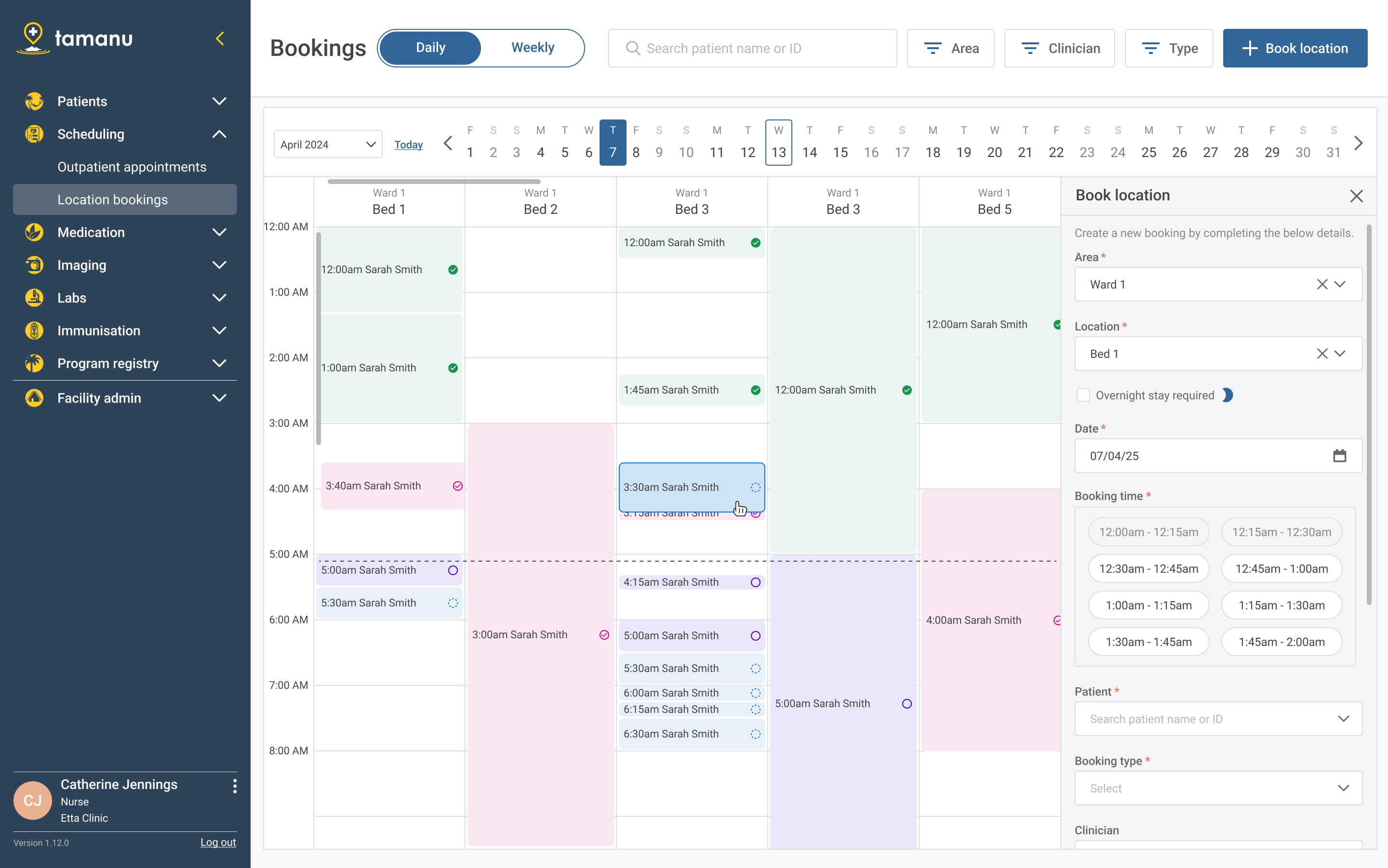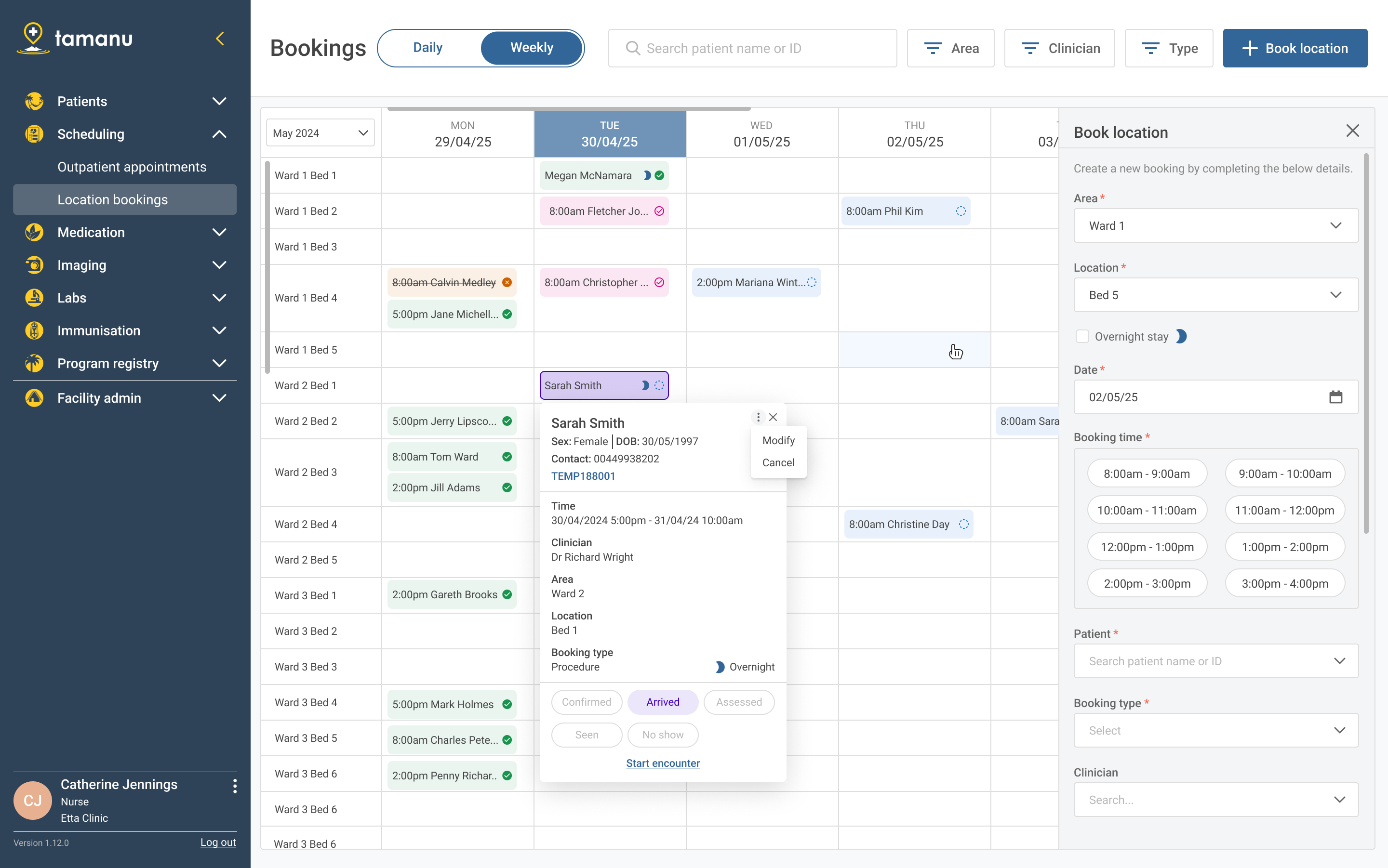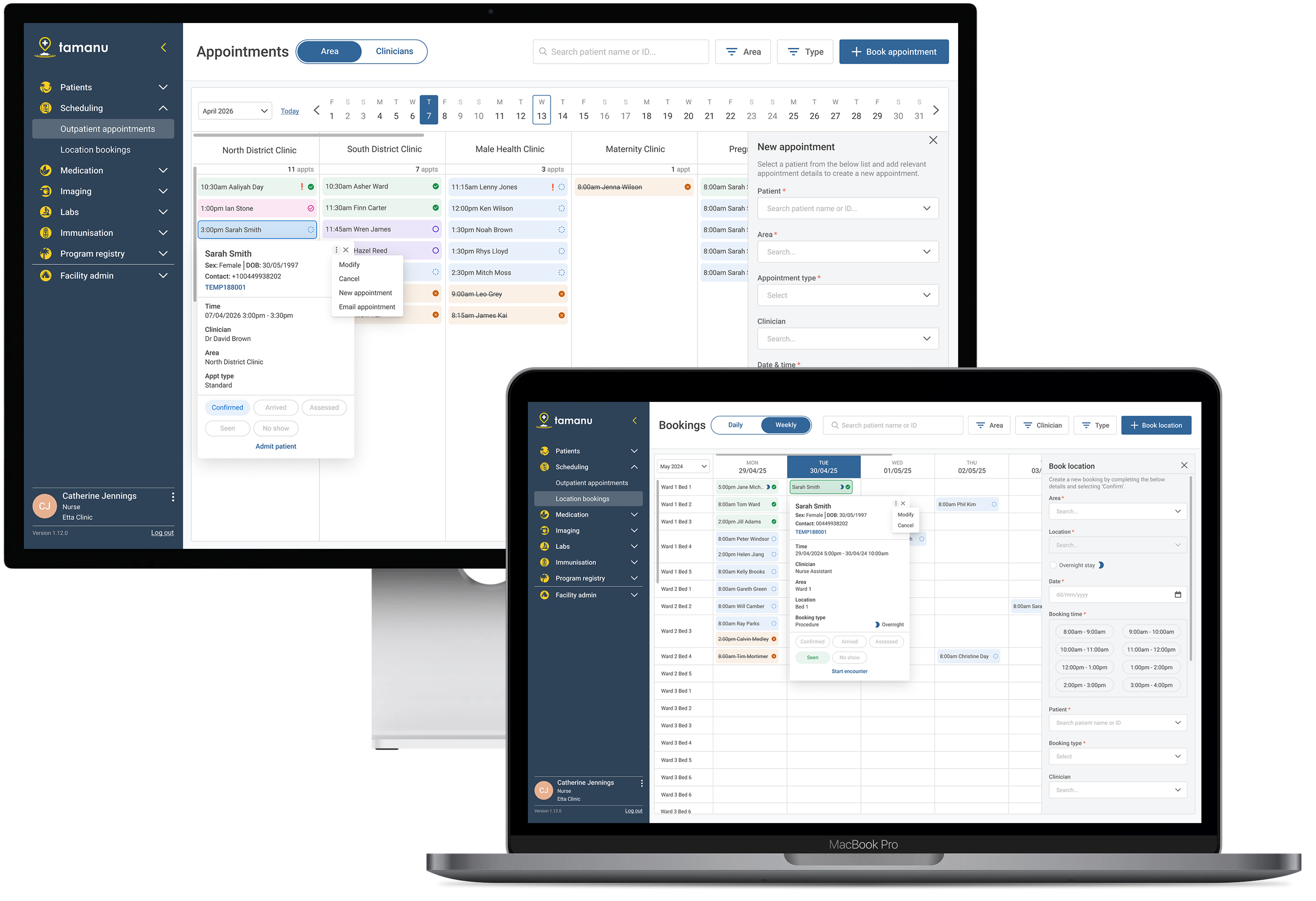
Tamanu is an open-source Electronic Medical Record system deployed across hospitals and clinics in remote and low-income countries. It handles patient health records, admissions, labs, imaging, medications, and more. Scheduling was identified as a gap in the current feature set.
In these settings, clinical appointments and theatre bookings are still largely paper-based. Patient appointments are managed with handwritten ticket systems, wall calendars, and physical logbooks. Some facilities had adopted Tamanu's existing MVP scheduling feature, but adoption was low as the feature was clunky, overly simple, and missed critical workflows.
The overarching main challenge was that the system needed to handle multiple competing appointment types for the varying needs of different clinics and hospitals. Those included:
1. Facility scheduling needs differ greatly between entities.
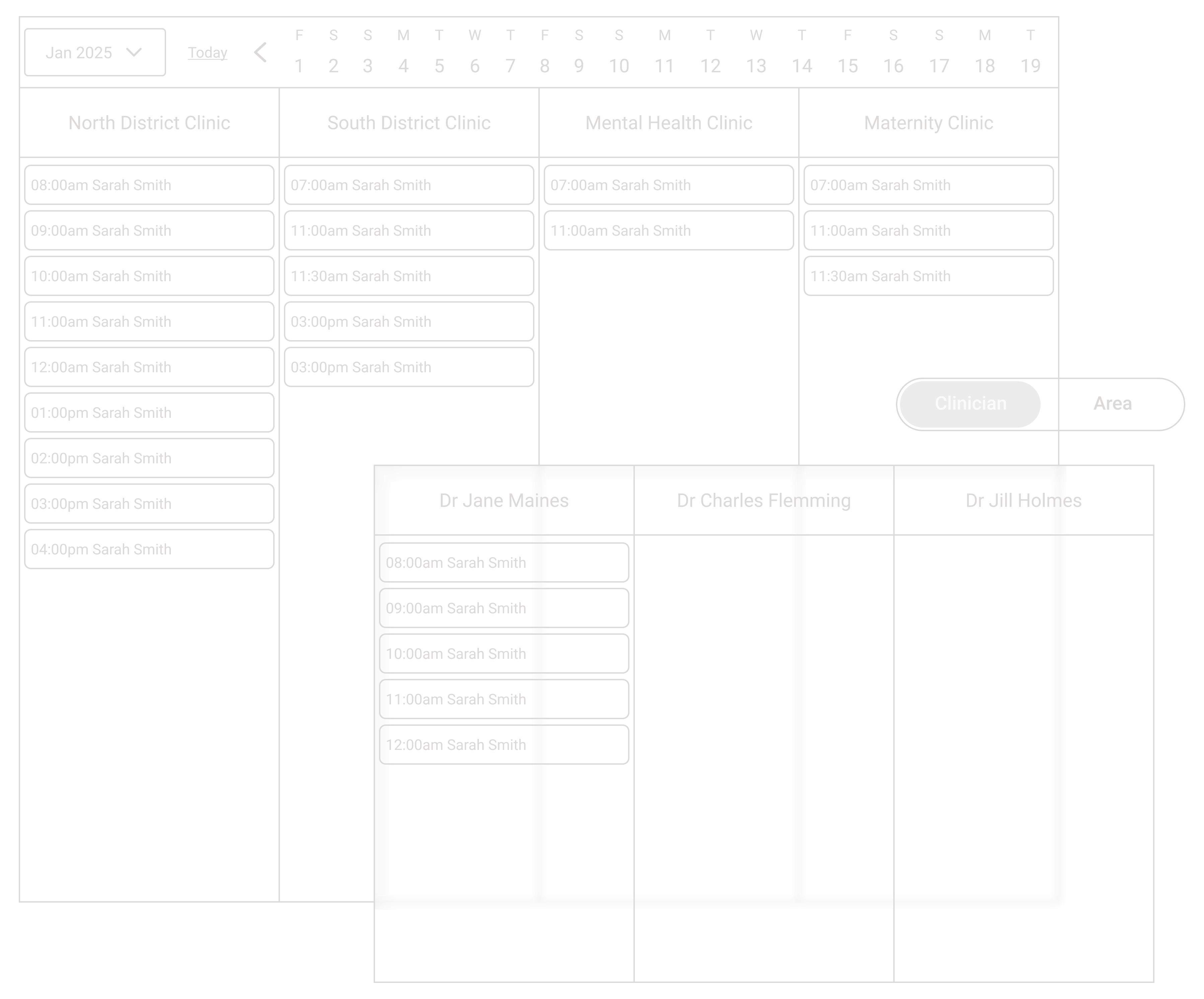
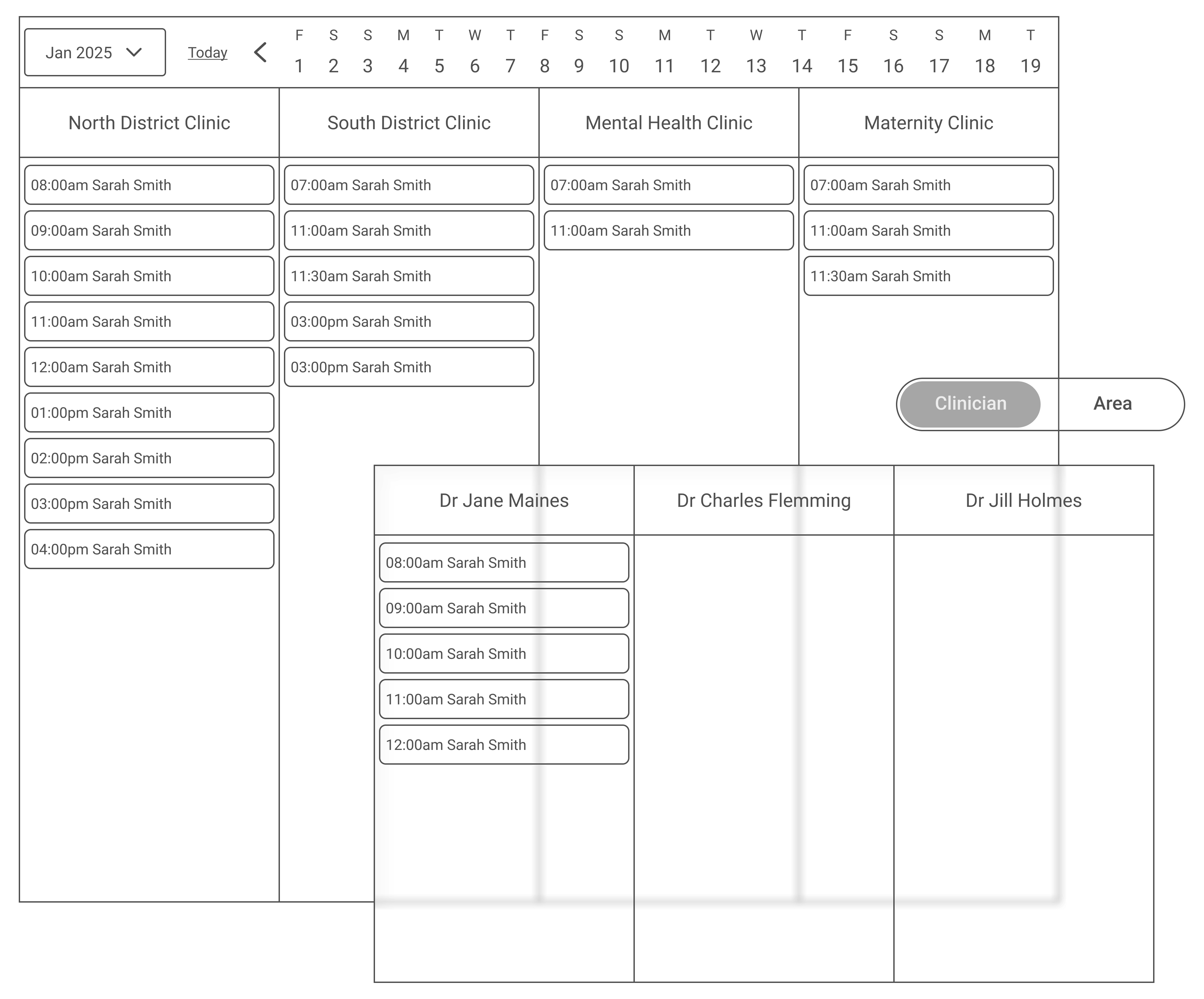
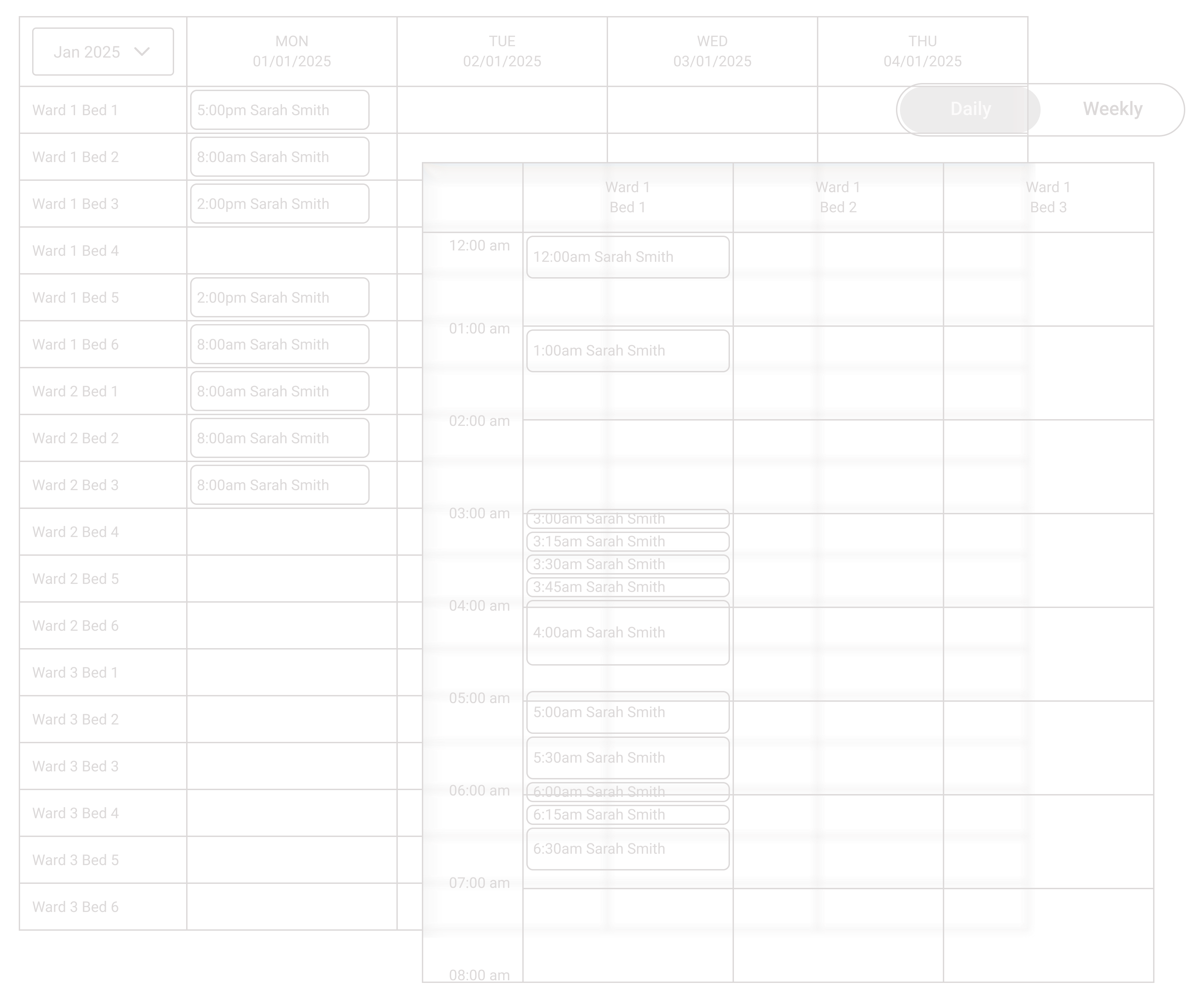
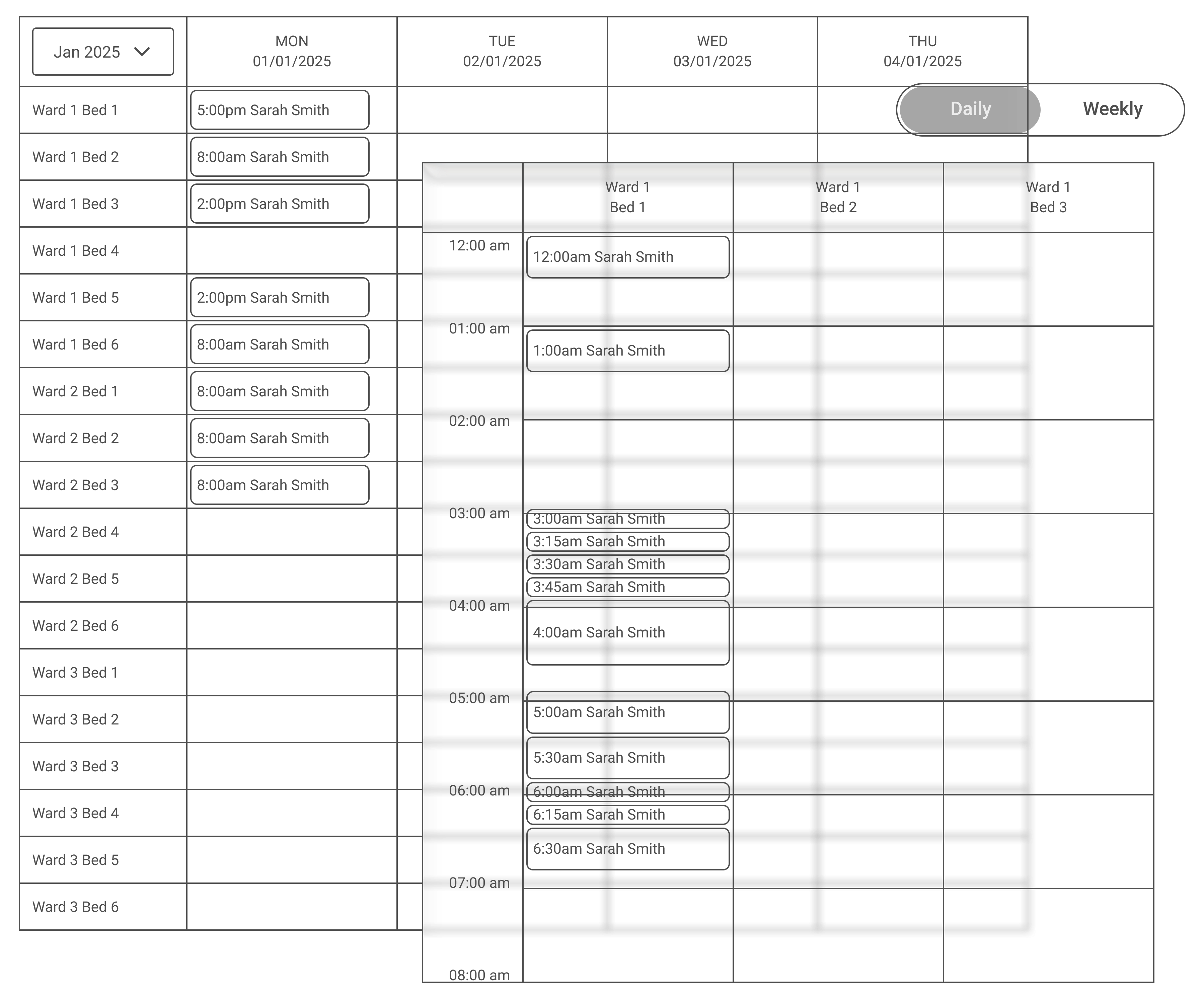
Facilities had different scheduling needs for clinics, clinicians, and specific physical locations such as beds in wards or operating theatres. For example, a clinic could have overlapping appointment times, but a theatre bed could not.
2. The feature needed to handle more than two axes of information.
For outpatient appointments, the ability to view appointments across multiple clinics or clinicians for the day was necessary. For location bookings, there was a need to view multiple locations across multiple days for planning purposes, but also see granular location details for operational purposes.
3. Clinical staff need flexibility, speed and clarity all at once.
A receptionist managing a waiting room needs to glance at a screen and immediately know who's here, who's next and who hasn't arrived. Staff managing location bookings need to move appointments around quickly without accidentally double-booking.
The fundamental question: How do you design a scheduling system flexible enough to handle more than two axes of information, across fundamentally different booking types, while being simple enough that a receptionist in a busy facility can quickly access the information she needs?